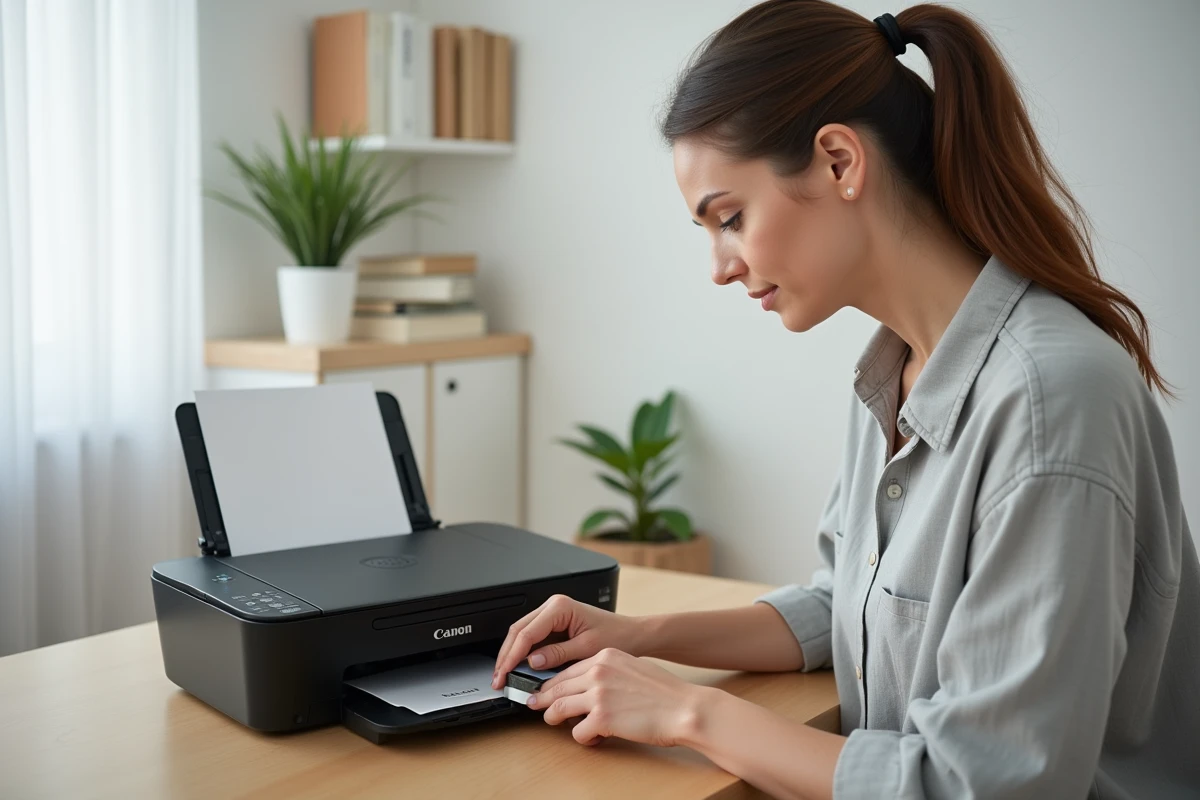
The Canon PIXMA TS3151 uses two FINE cartridges, the PG-545 (black) and the CL-546 (color), housed in a carriage accessible from the front cover. Replacing them takes a few minutes, but several technical details deserve attention, especially since the firmware updates at the end of 2025 that altered the cartridge detection behavior.
Error “unrecognized cartridge” on Canon TS3151: a recent firmware issue
Since a Canon firmware update rolled out at the end of 2025, users have reported an increased frequency of “unrecognized cartridge” error messages on the TS3151. This issue affects both original and compatible cartridges and is not mentioned in Canon’s standard manuals.
The solution documented on Canon Europe’s community forums involves a manual reset. This consists of turning off the printer, removing the affected cartridge, waiting about thirty seconds, then reinserting it firmly before turning the device back on. If the message persists, a second cycle of removal and reinsertion is sufficient in most cases.
This type of software blockage prompts checking the firmware version before any cartridge replacement. For this, you can refer to the guide on On s’appelle that details the complete procedure adapted for this model.
Cartridges PG-545 and CL-546: compatible, XL, or original
The TS3151 accepts standard cartridges (PG-545 / CL-546) and their XL versions. The difference lies solely in the ink volume, not in the physical format. An XL cartridge fits exactly like a standard one.
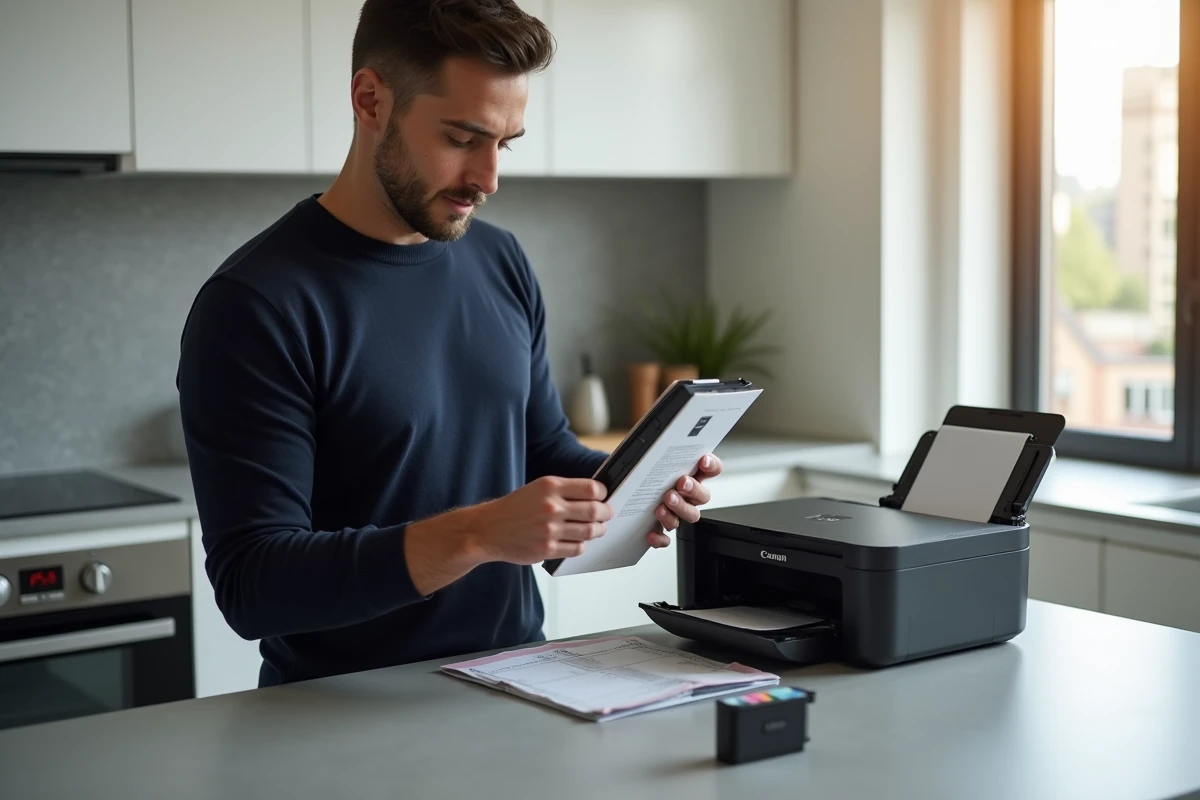
The choice between original and compatible cartridges has evolved in recent months. ISO/IEC 24711 certified compatible cartridges now offer durability comparable to originals without documented risk of print head blockage. Meanwhile, the original XL cartridges 545/546 have dropped in price by about 15% on marketplaces since early 2026, under pressure from refurbished compatibles.
This price convergence changes the calculation. If the price gap between an original XL and a quality compatible narrows to a few euros, the Canon cartridge retains the advantage of an intact manufacturer warranty. However, for occasional use (a few prints per month), a certified compatible remains a rational choice.
- Standard PG-545 cartridge: reduced volume, suitable for low black and white print volumes
- PG-545 XL cartridge: same physical format, higher capacity, better cost per page for regular use
- CL-546 or CL-546 XL: tricolor color cartridge, to be replaced as soon as one of the colors is depleted
- ISO/IEC 24711 certified compatibles: viable alternative if the third-party manufacturer guarantees compatibility with TS3100 series
Replacing the Canon TS3151 cartridge: the important steps
Turn on the printer and open the front cover. The cartridge carriage automatically moves to the replacement position. Wait for the movement to stop completely before touching anything.
Press the tab of the cartridge to be replaced to release it from its slot. Pull it upwards. Never touch the copper contacts or the print head located on the underside of the cartridge, whether it is the old one or the new one.
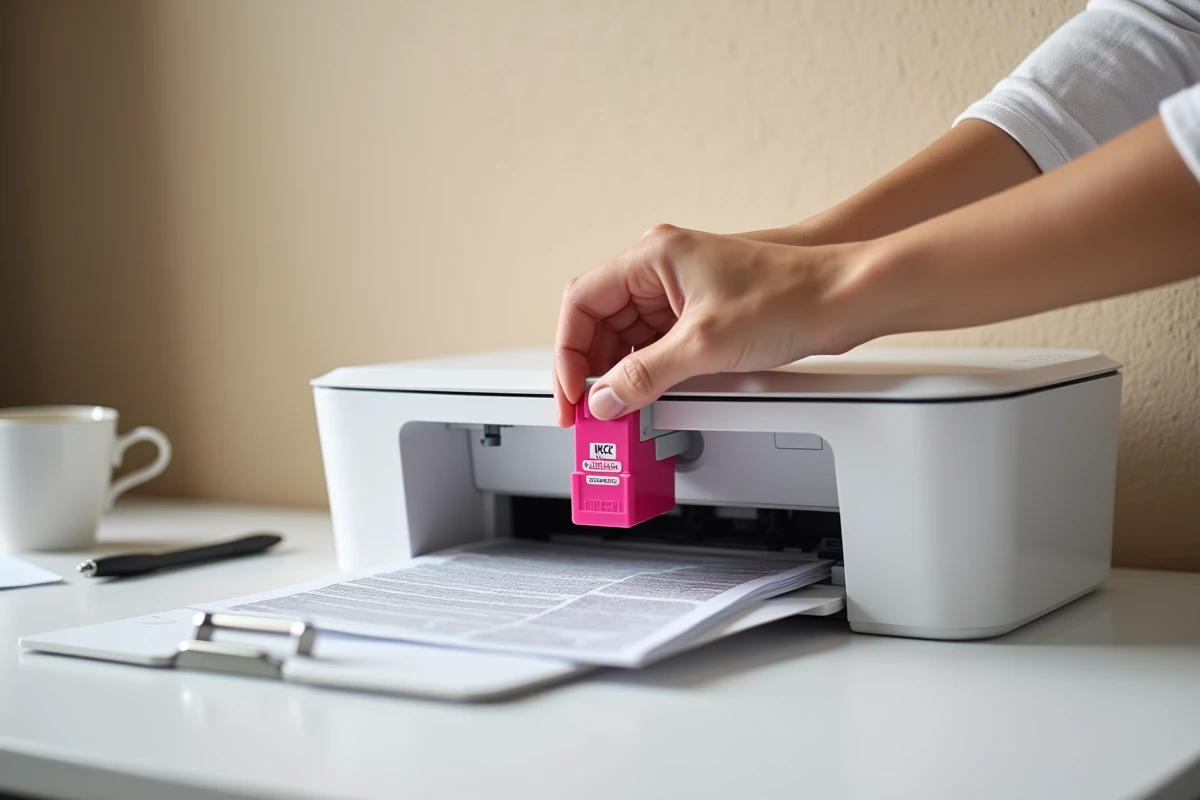
For the new cartridge, remove the orange protective tape. Insert it into the corresponding slot (black on the left, color on the right) by tilting it slightly, then push it until it clicks into place. Close the cover. The printer automatically initiates a print head alignment.
The automatic alignment consumes one sheet of regular A4 paper. Ensure there is paper in the rear tray before closing the cover, otherwise the printer will display an error and the alignment will have to be restarted manually.
Recyclability of ink cartridges: what changes in 2026
Since January 2026, the European regulation 2025/2345 mandates mandatory labeling of ink cartridges regarding their recyclability and carbon impact. The PG-545 and CL-546 cartridges are directly affected.
In practice, this means that packaging must now display a recyclability index and that manufacturers are gradually adopting more eco-friendly water-based inks. For the user, the visible change lies in the packaging and, ultimately, in the composition of the inks themselves.
Canon offers a free return program for used cartridges. Refurbished compatibles also fit into this circular logic, provided that the refurbisher complies with the new labeling obligations.
Print quality issues after replacement
A new cartridge that prints with streaks or white areas is not necessarily defective. Air trapped in the nozzle purges after a few pages of normal printing. Running a head cleaning from the TS3151 maintenance menu speeds up the process but consumes ink.
If quality remains poor after two cleaning cycles, check two points before concluding a cartridge defect:
- The orange protective tape has been completely removed, including any small adhesive residues that may be stuck on the nozzle
- The cartridge is correctly clicked into its slot (a clear click should be heard upon insertion)
- The paper used matches the type selected in the print settings (plain paper, photo, envelope)
On the TS3151, deep cleaning of the print heads is triggered by holding the Stop button for several seconds. This operation consumes more ink than a standard cleaning and should only be used as a last resort.
Replacing a cartridge on this printer remains an accessible operation. The points of vigilance lie less in the mechanical gesture than in the peripheral details: firmware version, choice between standard and XL, initial purge. Keeping a spare cartridge avoids interruptions during printing, where stress leads to mishandling.